Open library · 423 documented files
DESIGN MD (DESIGN.md)
A Markdown file at the project root that teaches the AI agent your design system's colors, typography, and visual patterns — before generating any component.
Compatible with Claude Code · Cursor · Kiro · Windsurf · Cline
Library
423 DESIGN.md ready to use
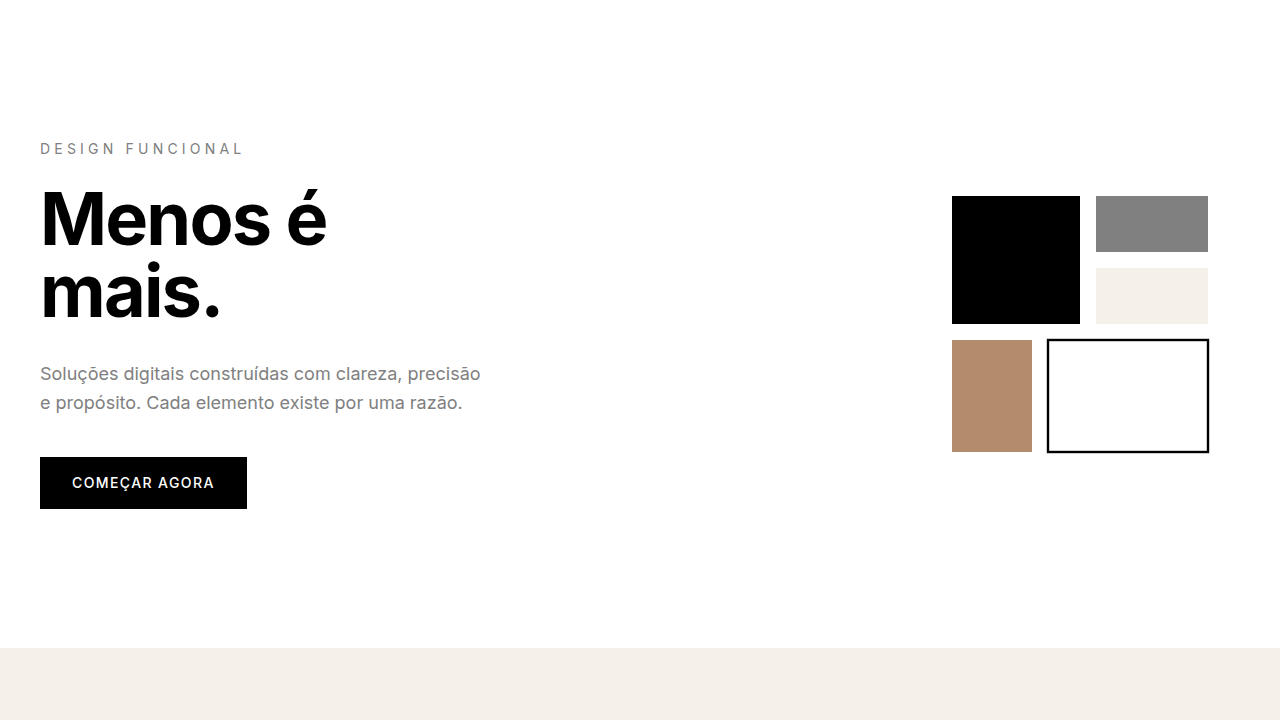
Minimalism & Swiss Style
Minimalist landing page. Ideal for b2b saas, enterprise apps, design saas, profe…
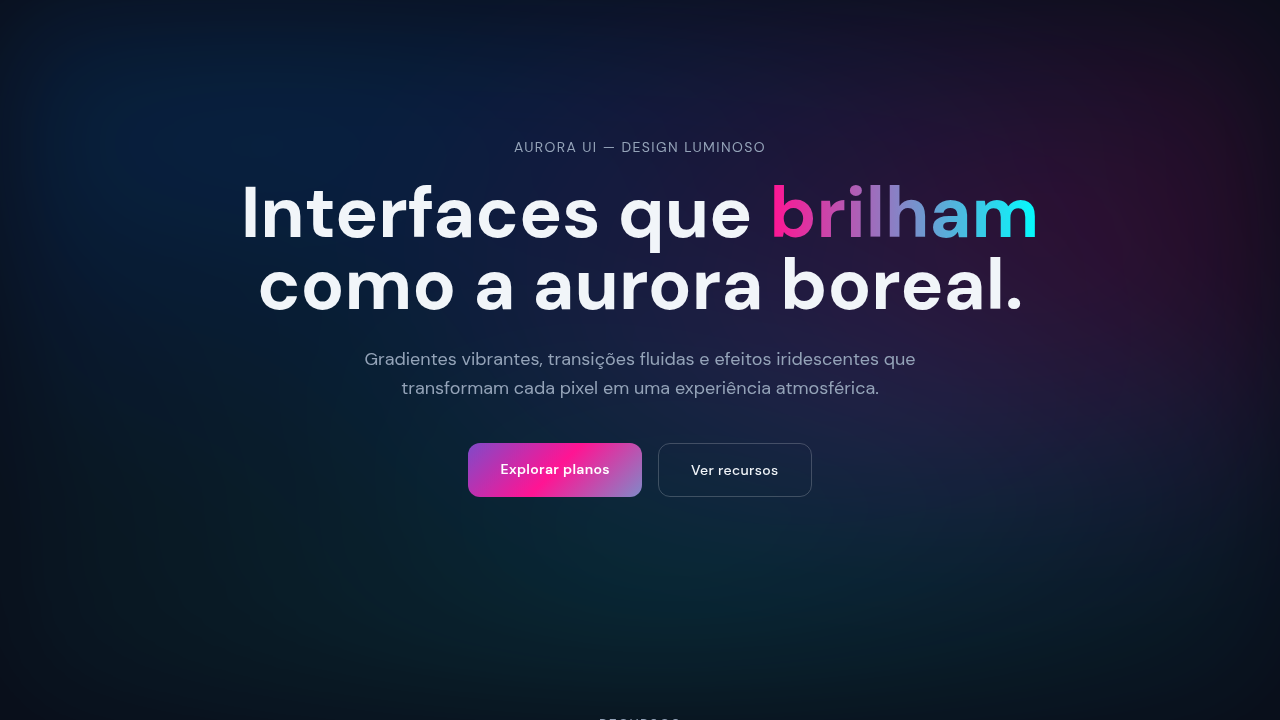
Aurora UI
Vibrant gradient interface inspired by Northern Lights with mesh gradients, smoo…
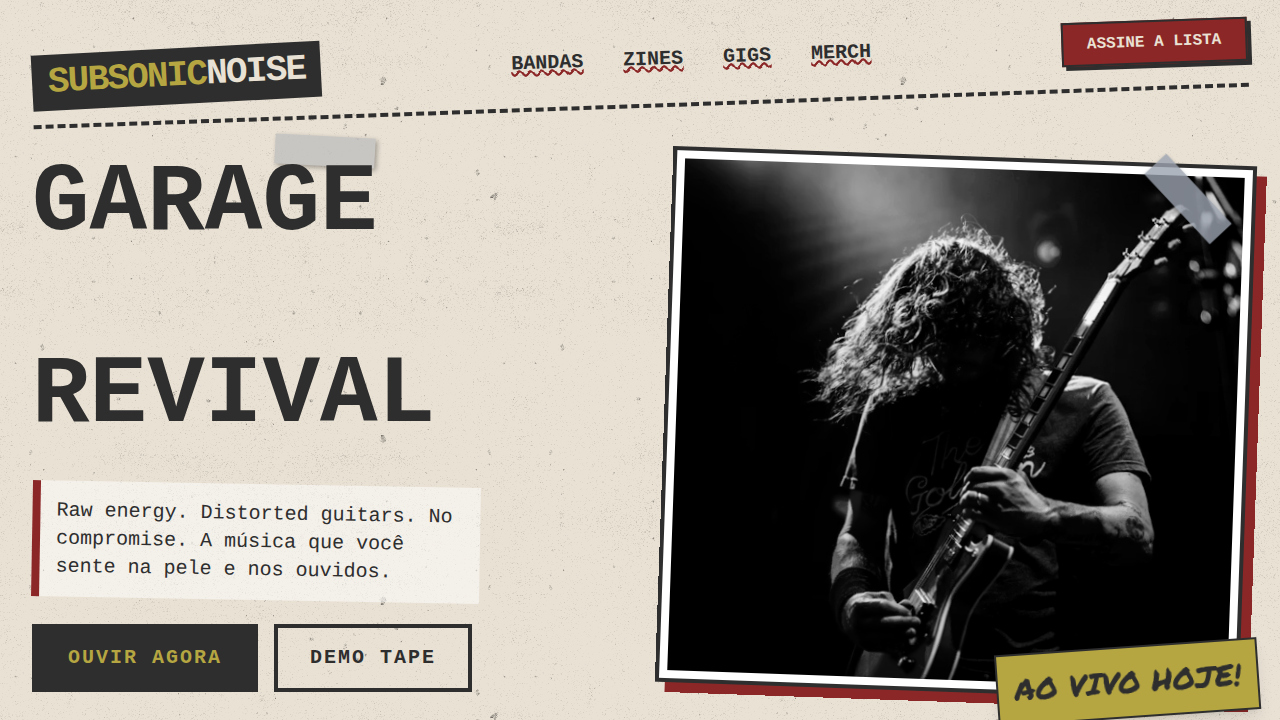
Grunge Rock dos Anos 90
90s grunge rock landing page. Ideal for landing pages, saas. AI-ready template.
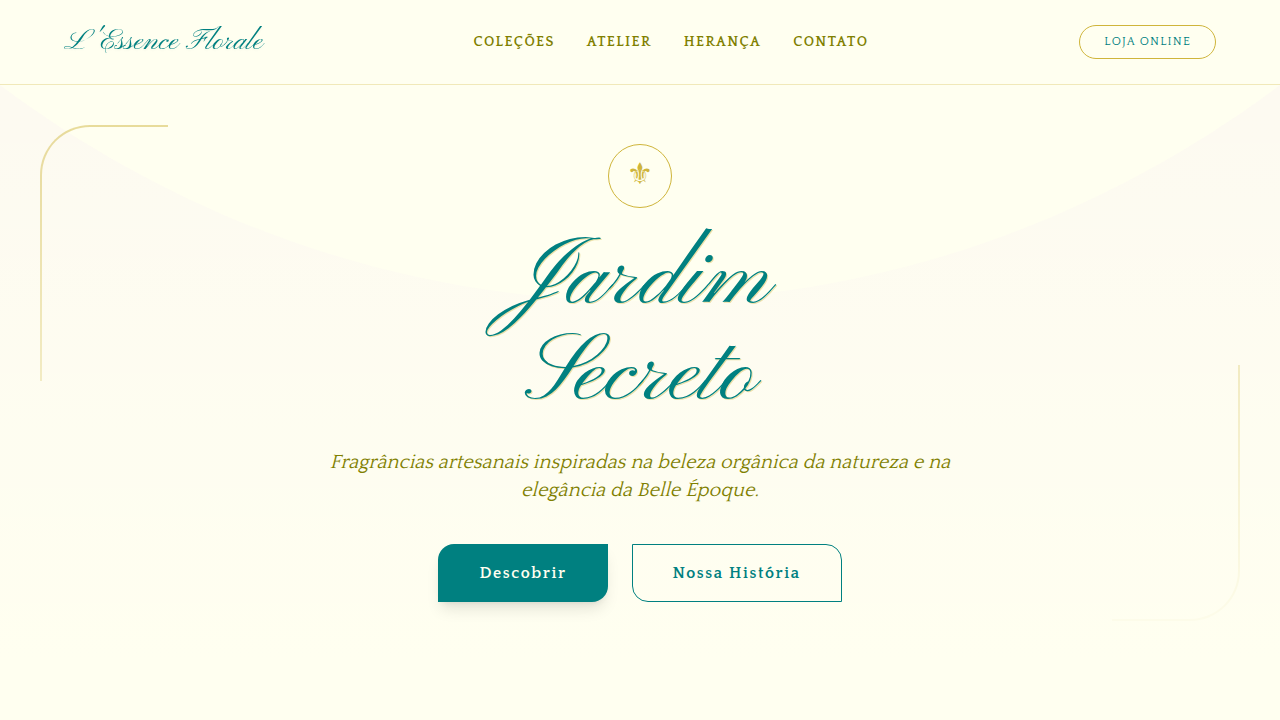
Art Nouveau Florido
Design an Art Nouveau floral landing page. Ideal for landing pages, saas. AI-rea…
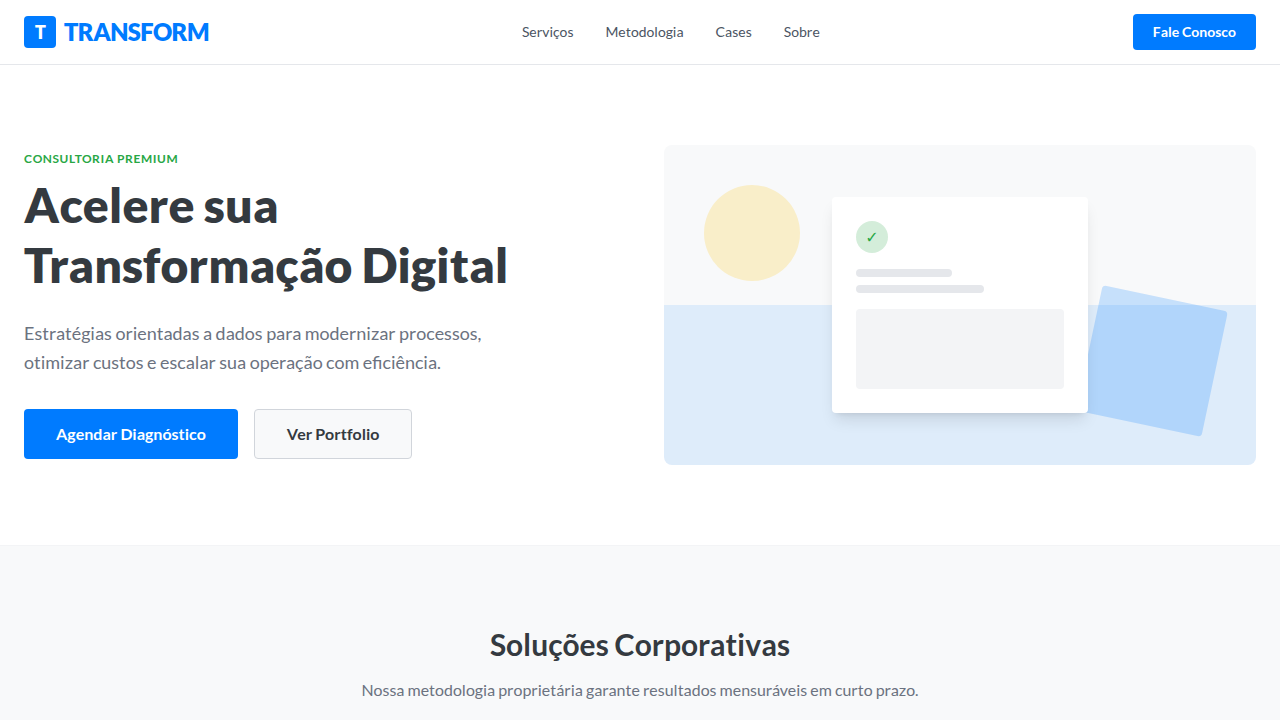
Flat Design Corporativo
Corporate flat design landing page. Ideal for landing pages, saas. AI-ready temp…
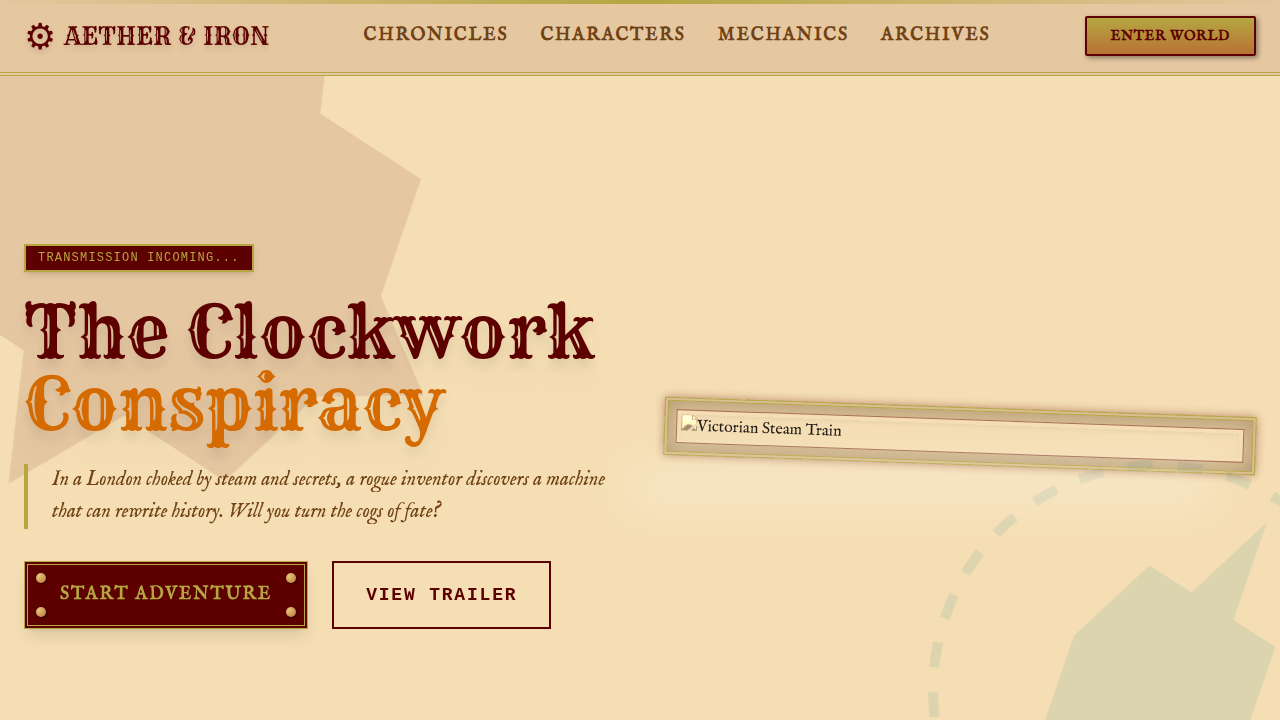
Steampunk Vitoriano
Victorian steampunk landing page. Ideal for landing pages, saas. AI-ready templa…
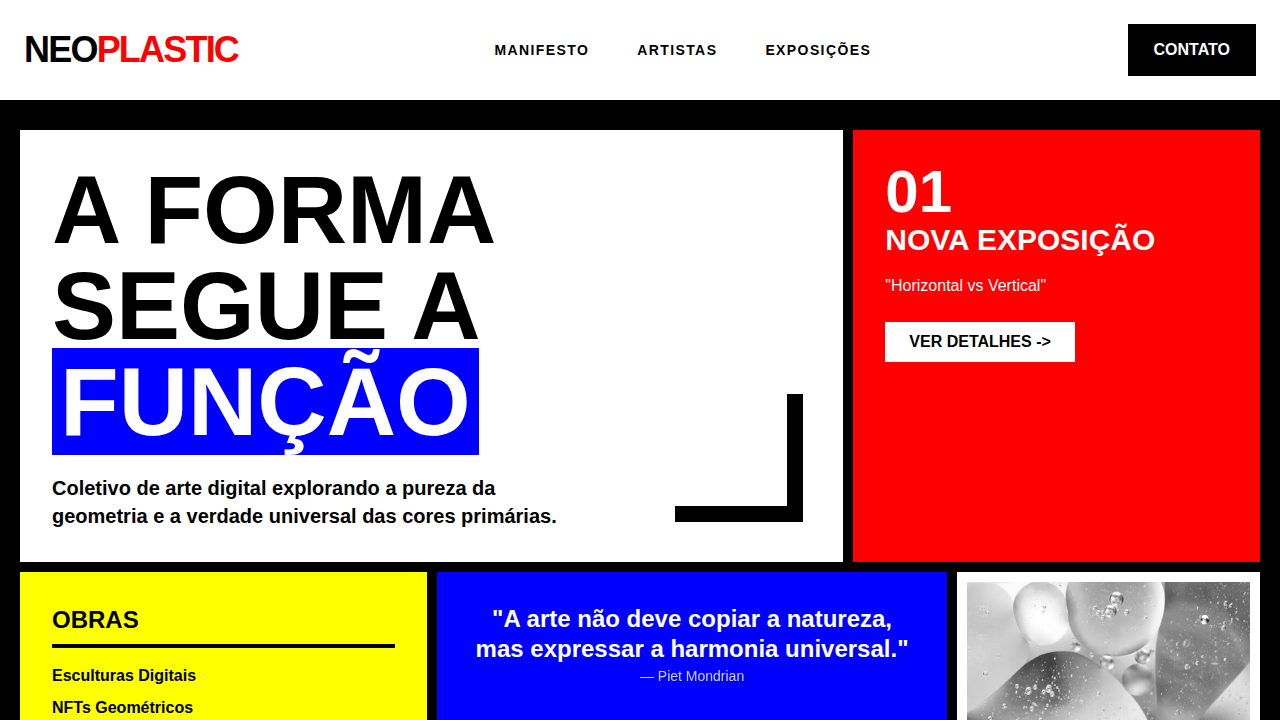
De Stijl Abstrato
De Stijl abstract landing page. Ideal for landing pages, saas. AI-ready template…
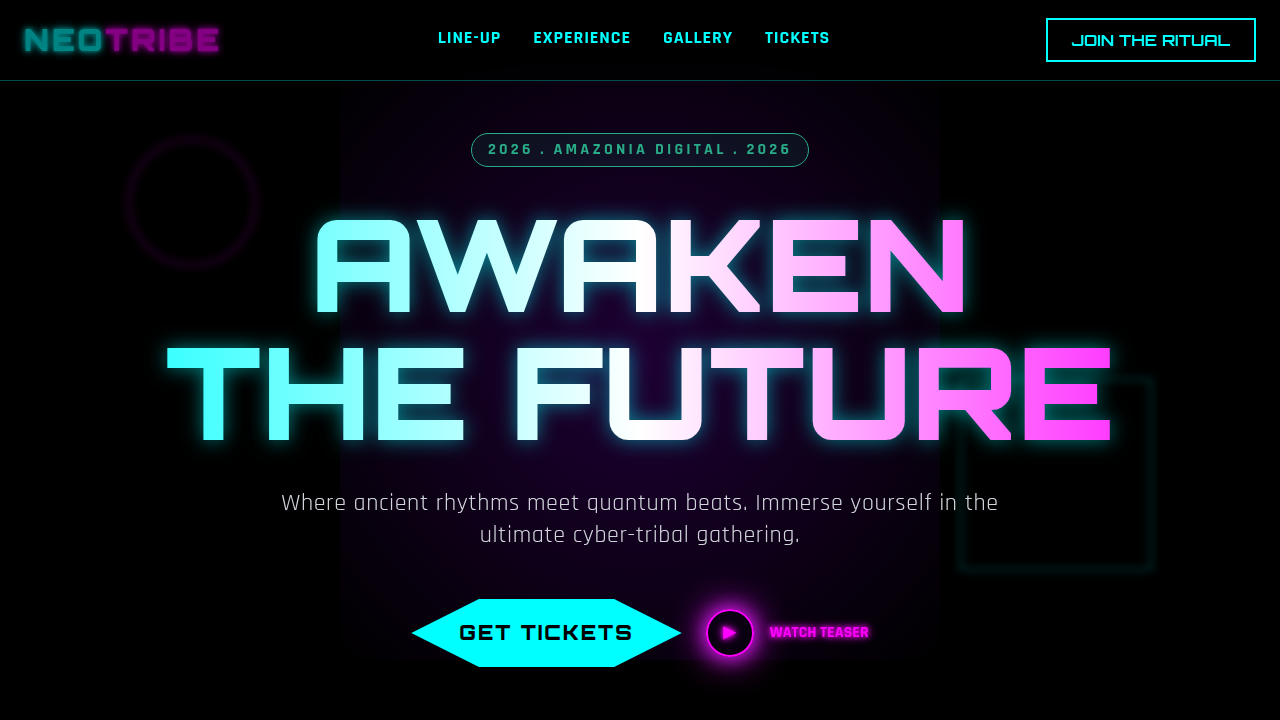
Cyber-Tribal
Cyber-tribal landing page. Ideal for landing pages, saas. AI-ready template.
01
Agents don't remember your design
LLMs process each prompt in isolation. Without a reference in the repository, each generated component uses different visual decisions.
02
DESIGN.md enters the context window
YAML front matter with design tokens (colors, typography, spacing) + Markdown prose with rationale and constraints. The agent reads it before generating any UI.
03
Copy from library, paste in project
423 documented design systems. Choose a style, download the DESIGN.md and configure your agent.
Reading
Articles and guides
How to use DESIGN.md with Kiro
Add DESIGN.md to the .kiro/steering directory of your project.
Read guide →
How to use DESIGN.md with Windsurf
Configure global_rules.md to point to your DESIGN.md.
Read guide →
How to use DESIGN.md with Google Stitch
Export DESIGN.md directly from Google Stitch.
Read guide →
How to Create a DESIGN.md from Scratch
Step-by-step guide to writing a DESIGN.md file for your project. Define colors, typography…
DESIGN.md — o que é, como funciona, por que importa
Análise técnica do formato DESIGN.md com base na especificação oficial google-labs-code/de…
Structure
Anatomy of a DESIGN.md
Eight sections in canonical order from the official spec. YAML front matter with tokens + Markdown prose with rationale. The agent reads the full file before generating any component.
View full format →---
name: Productivity App
colors:
primary: "#2665fd"
surface: "#0b1326"
on-surface: "#dae2fd"
typography:
headline:
fontFamily: Geist
fontSize: 2rem
fontWeight: 600
body:
fontFamily: Geist
fontSize: 1rem
fontWeight: 400
rounded:
sm: 4px
md: 8px
lg: 12px
spacing:
sm: 8px
md: 16px
lg: 32px
---
## Overview
Minimal interface for a productivity app.
Clean lines, high information density.
## Colors
- **Primary** (#2665fd): CTAs, active states
- **Surface** (#0b1326): Backgrounds
## Typography
- Headlines: Geist, semi-bold
- Body: Geist, regular, 14–16px
## Components
- Buttons: rounded-lg, primary filled
- Inputs: 1px border, surface-variant bg
## Do's and Don'ts
- Do use primary only for main actions
- Don't mix rounded and sharp cornersSetup Guides