Biblioteca aberta · 759 arquivos documentados
DESIGN MD (DESIGN.md)
designmd.app é uma biblioteca open-source de arquivos DESIGN.md — especificações estruturadas de design system que agentes de IA leem antes de gerar UI. Cada arquivo define cores, tipografia, espaçamento e regras de componentes em Markdown com tokens YAML. Escolha um estilo, coloque no seu repo, e seu agente produz interfaces consistentes desde o primeiro prompt.
Compatível com Claude Code · Cursor · Kiro · Windsurf · Cline
Biblioteca
759 DESIGN.md prontos para usar
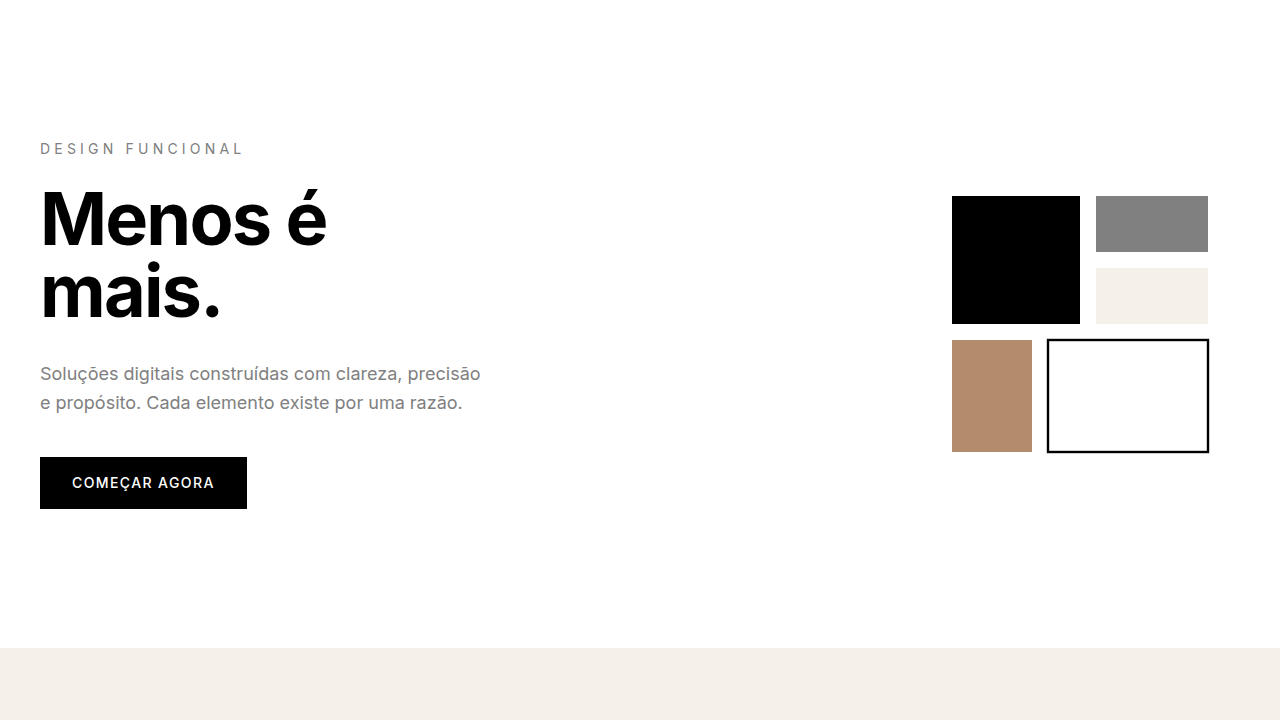
Minimalism & Swiss Style
Design minimalista com grid, tipografia clara e espaço em branco. Ideal para Saa…
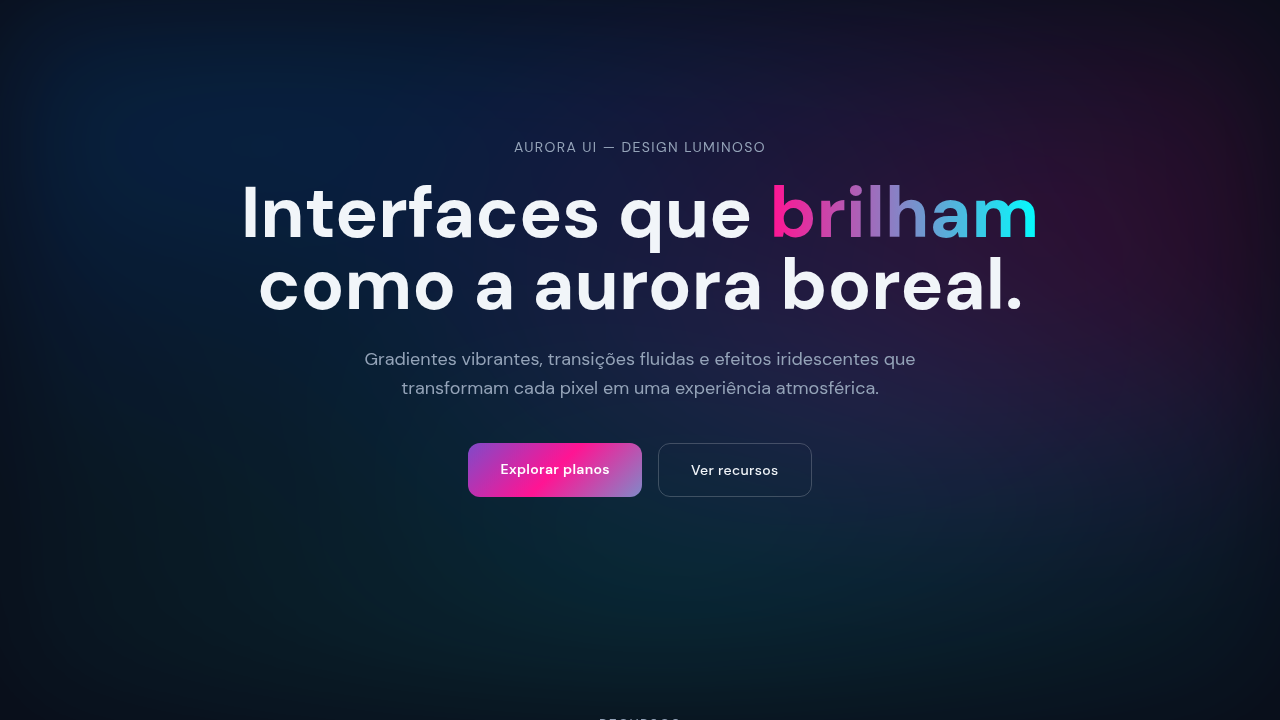
Aurora UI
Gradientes fluxo animado, efeito Northern Lights, cores complementares. Interfac…
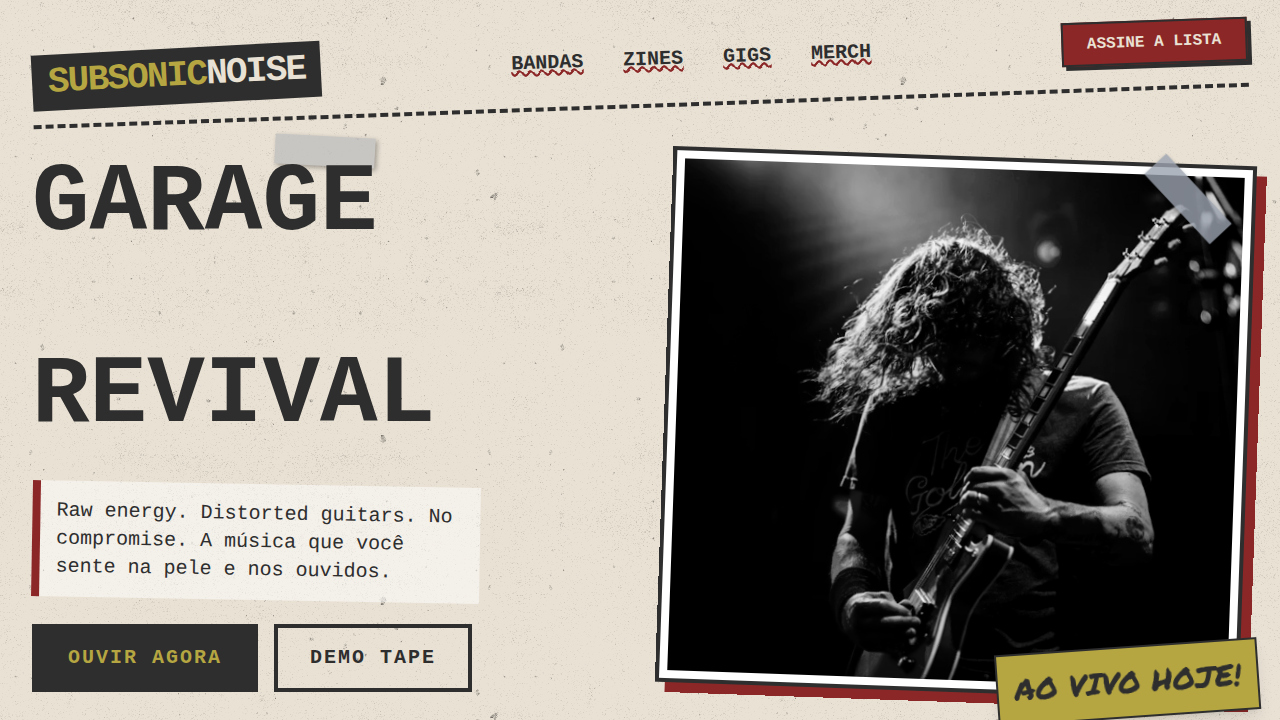
Grunge Rock dos Anos 90
Grunge Rock dos Anos 90 — Design general com grunge, 90s rock, raw. Template e p…
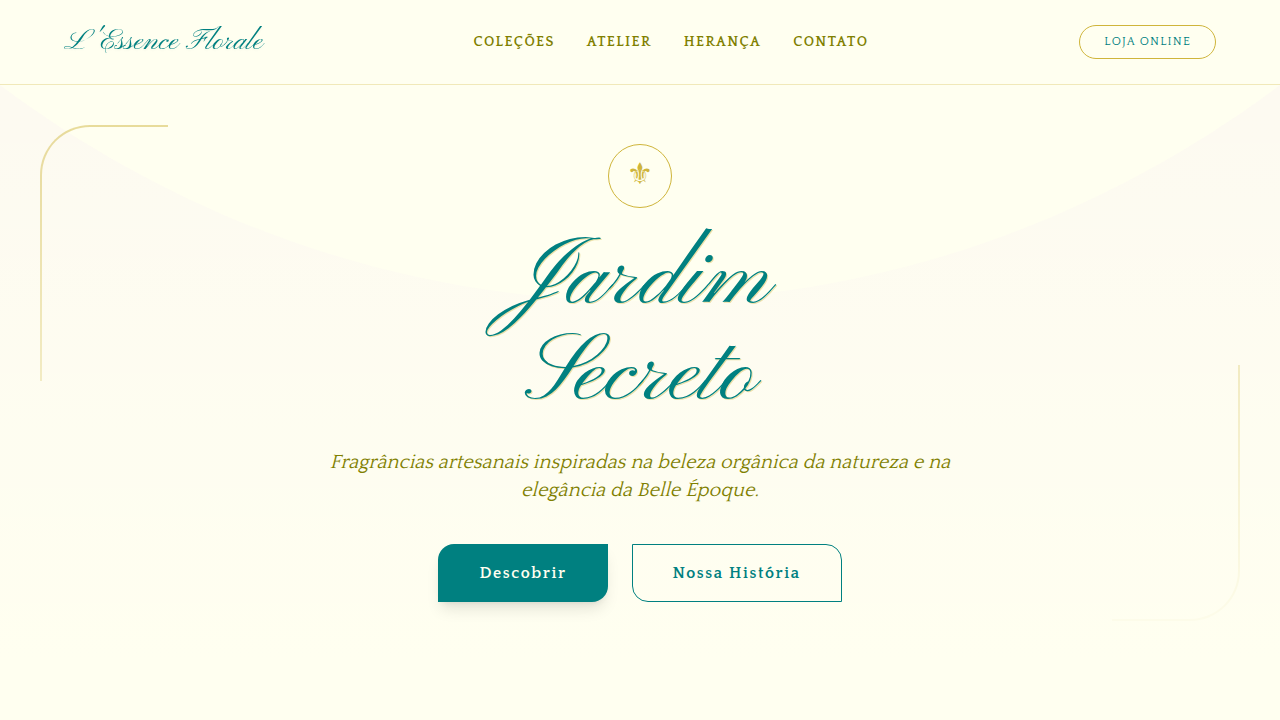
Art Nouveau Florido
Art Nouveau Florido — Design general com art nouveau, ornate, elegant. Template…
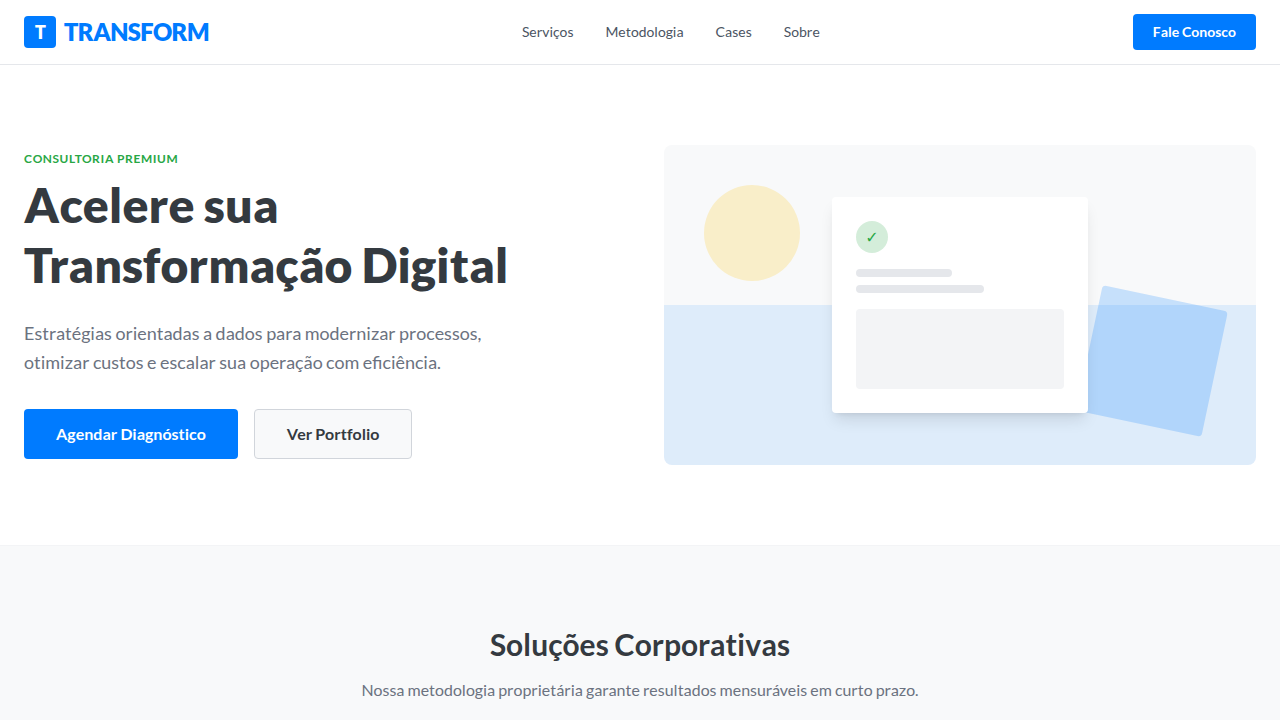
Flat Design Corporativo
Flat Design Corporativo — Design general com flat design, corporate, clean. Temp…
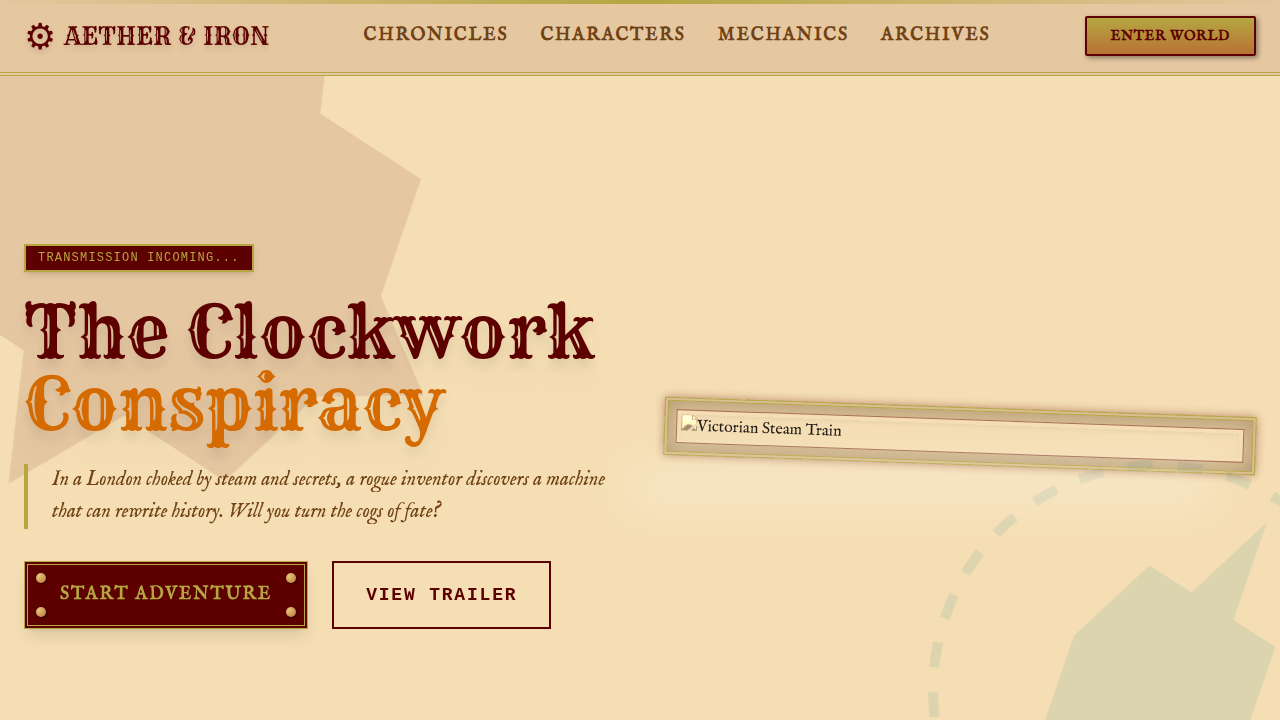
Steampunk Vitoriano
Steampunk Vitoriano — Design general com steampunk, victorian, ornate. Template…
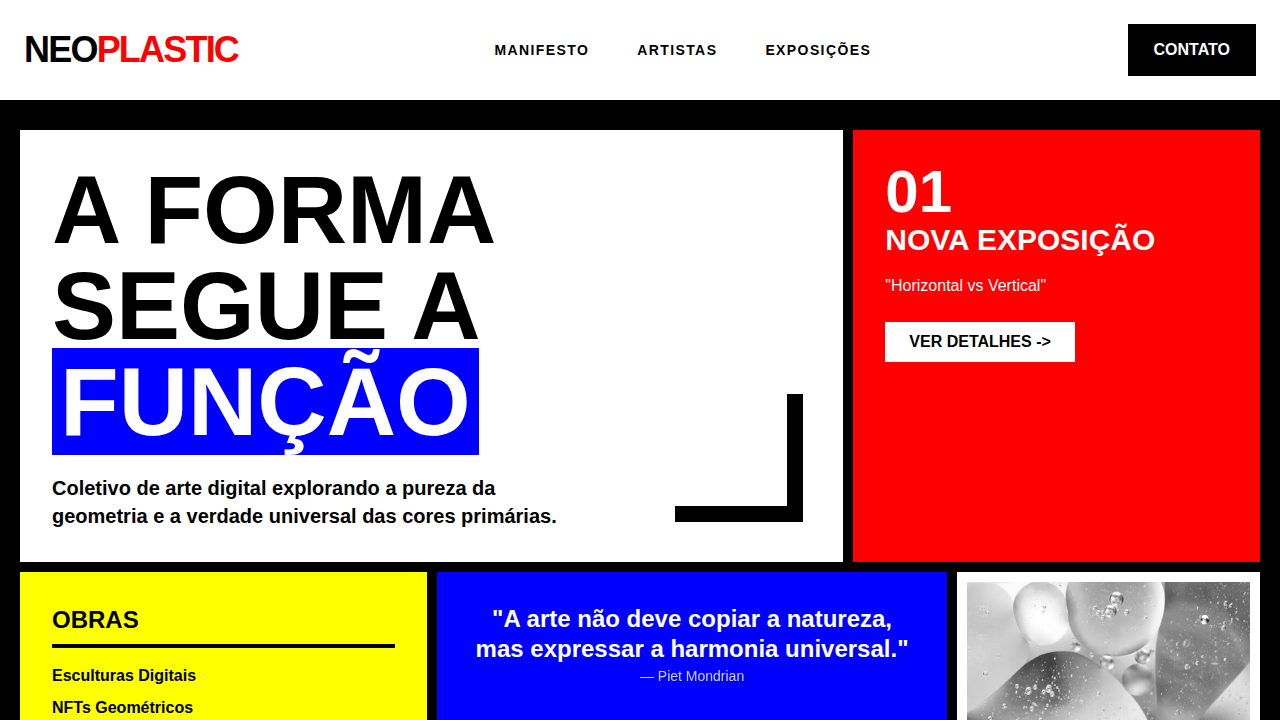
De Stijl Abstrato
De Stijl Abstrato — Design general com de stijl, abstract, geometric. Template e…
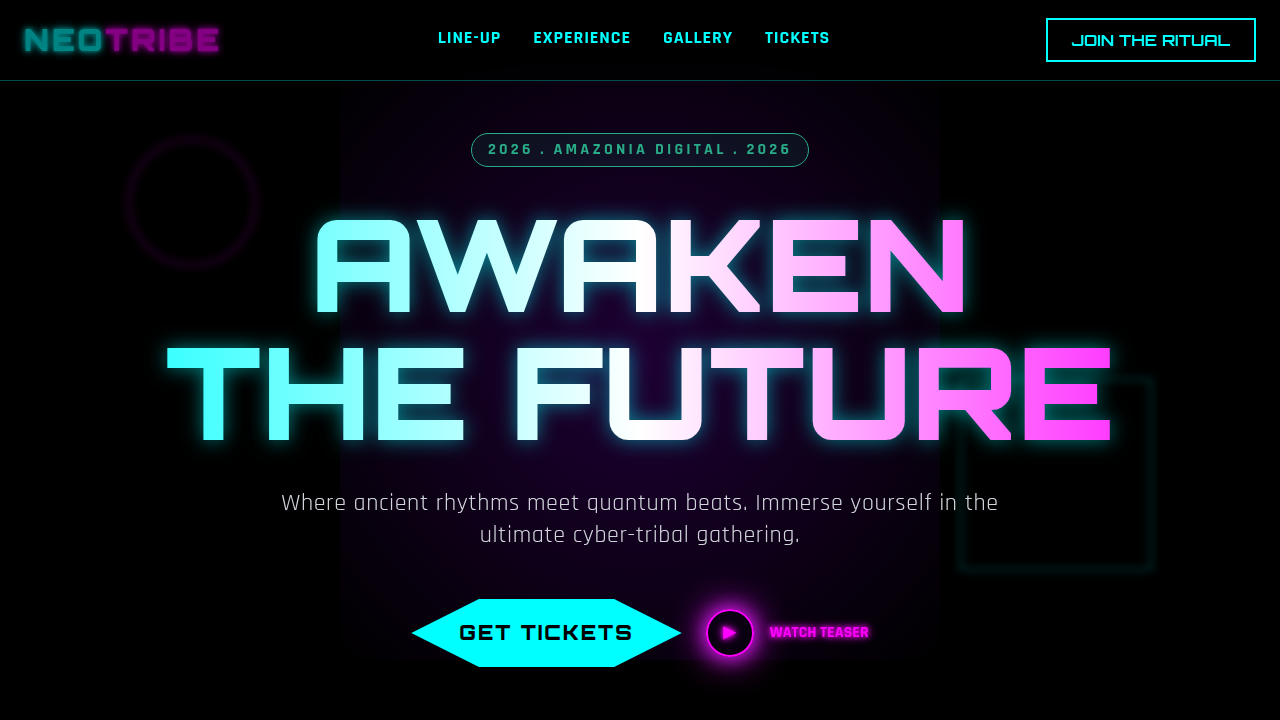
Cyber-Tribal
Cyber-Tribal — Design general com cyber-tribal, futuristic, primal. Template e p…
01
Agentes não lembram do seu design
LLMs processam cada prompt isoladamente. Sem referência no repositório, cada componente gerado usa decisões visuais diferentes.
02
DESIGN.md entra no context window
YAML front matter com design tokens (cores, tipografia, espaçamento) + prosa Markdown com racional e restrições. O agente lê antes de gerar qualquer UI.
03
Copie da biblioteca, cole no projeto
759 design systems documentados. Escolha um estilo, baixe o DESIGN.md e configure seu agente.
Leitura
Artigos e guias
Como usar DESIGN.md com Cursor
Use .cursor/rules para injetar o DESIGN.md em cada geração de UI.
Ler guia →
Como usar DESIGN.md com Cursor
Configure .cursor/rules/*.mdc to reference your DESIGN.md.
Ler guia →
Como usar DESIGN.md com Kiro
Adicione DESIGN.md ao diretório .kiro/steering do seu projeto.
Ler guia →
Como usar DESIGN.md com Kiro
Configure .kiro/steering/ to reference your DESIGN.md.
Ler guia →
Como usar DESIGN.md com Windsurf
Configure global_rules.md para apontar para seu DESIGN.md.
Ler guia →
Como usar DESIGN.md com Windsurf
Configure .windsurfrules to reference your DESIGN.md.
Ler guia →
Como usar DESIGN.md com Google Stitch
Exporte DESIGN.md diretamente do Google Stitch.
Ler guia →
Como usar DESIGN.md com Google Stitch
Configure Native UI to reference your DESIGN.md.
Ler guia →
Como usar DESIGN.md com GitHub Copilot
Configure copilot-instructions.md to reference your DESIGN.md.
Ler guia →
Como usar DESIGN.md com GitHub Copilot
Configure copilot-instructions.md to reference your DESIGN.md.
Ler guia →
Como usar DESIGN.md com Cline
Configure .clinerules to reference your DESIGN.md.
Ler guia →
Como usar DESIGN.md com Cline
Configure .clinerules to reference your DESIGN.md.
Ler guia →
Como usar DESIGN.md com Aider
Configure .aider.conf.yml to reference your DESIGN.md.
Ler guia →
Como usar DESIGN.md com Aider
Configure .aider.conf.yml to reference your DESIGN.md.
Ler guia →
Como usar DESIGN.md com Codex
Configure AGENTS.md to reference your DESIGN.md.
Ler guia →
Como usar DESIGN.md com Codex
Configure AGENTS.md to reference your DESIGN.md.
Ler guia →
Como usar DESIGN.md com Devin
Configure Knowledge Base to reference your DESIGN.md.
Ler guia →
Como usar DESIGN.md com Devin
Configure Knowledge Base to reference your DESIGN.md.
Ler guia →
Como usar DESIGN.md com Continue.dev
Configure .continuerc.json to reference your DESIGN.md.
Ler guia →
Como usar DESIGN.md com Continue.dev
Configure .continuerc.json to reference your DESIGN.md.
Ler guia →
DESIGN.md + AGENTS.md + RULES.md: qual arquivo faz o quê
Mapa definitivo dos arquivos de contexto para agentes IA — DESIGN.md, AGENTS.md, RULES.md,…
DESIGN.md em escala: quando os tokens não bastam (e o que adicionar)
DESIGN.md resolve tokens visuais mas agentes IA ainda adivinham comportamento de component…
Estrutura
Anatomia de um DESIGN.md
Oito seções na ordem canônica da especificação oficial. YAML front matter com tokens + prosa Markdown com racional. O agente lê o arquivo completo antes de gerar qualquer componente.
Ver formato completo →---
name: Productivity App
colors:
primary: "#2665fd"
surface: "#0b1326"
on-surface: "#dae2fd"
typography:
headline:
fontFamily: Geist
fontSize: 2rem
fontWeight: 600
body:
fontFamily: Geist
fontSize: 1rem
fontWeight: 400
rounded:
sm: 4px
md: 8px
lg: 12px
spacing:
sm: 8px
md: 16px
lg: 32px
---
## Overview
Interface minimal para app de produtividade.
Linhas limpas, alta densidade de informação.
## Colors
- **Primary** (#2665fd): CTAs, estados ativos
- **Surface** (#0b1326): Backgrounds
## Typography
- Headlines: Geist, semi-bold
- Body: Geist, regular, 14–16px
## Components
- Buttons: rounded-lg, primary filled
- Inputs: 1px border, surface-variant bg
## Do's and Don'ts
- Do usar primary apenas para ações principais
- Don't misturar cantos arredondados e retosGuias de configuração
Configure o DESIGN.md com seu agente de IA
Cada agente tem seu próprio setup. Escolha o seu para uma visão rápida, ou vá direto para o guia completo com configuração passo a passo.
Sobre o projeto
De Vibe Styles a uma referência aberta
O designmd.app nasceu com outro nome — Vibe Styles — e era uma biblioteca simples com quase 100 estilos para referenciar em agentes e no NotebookLM e gerar sites, vídeos e diagramas.
Com o lançamento do padrão DESIGN(.)md, o site passou a gerar também esses arquivos e foi hospedado em domínio próprio. Cresceu, ganhou categorias, e hoje reúne quase 800 variações e 1.500 acessos diários — todos orgânicos.
O projeto cobre também Real Brands — marcas brasileiras, um conteúdo que não é tão fácil de achar.
O vídeo resume o percurso. É um dos projetos que mais aprendi nessa jornada de #AIDLC — foi nele que testei as primeiras implementações de multiagentes, especificações com BMAD e diversos outros frameworks, web scraping, SEO, GEO entre outras coisas.
References
- → google-labs-code/design.md — Especificação oficial do formato DESIGN.md (Google)
- → docs/spec.md — Especificação completa: token schema, seções, regras de linting
- → W3C Design Tokens Community Group — Spec de design tokens que inspirou o formato YAML do DESIGN.md
- → @google/design.md (npm) — CLI oficial: lint, diff, export, spec